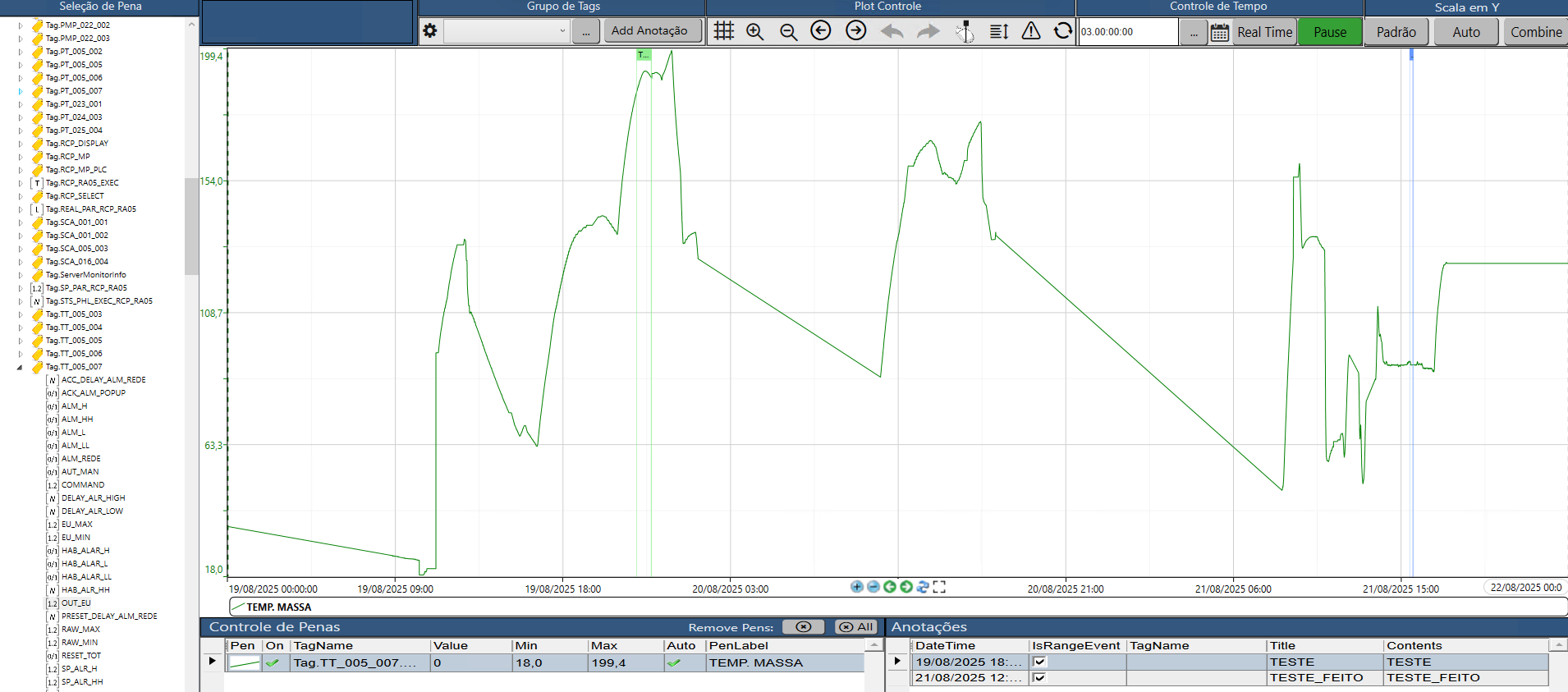
Hi, I’m working in a project and I’m using the default trend page:
In addition to the trend, I need to export da data variables to a table from a time line. Is it possible?
For example, I have a temperature variable that I need to show in a table the values of this temperature in a range of time.
Thanks.
Hi Lucas,
The simplest way to achieve this is by retrieving the data directly from your trend and storing it in a Tag of type DataTable.
You can do this with the following code in the display’s code-behind:
TTrendChart t = this.CurrentDisplay.GetControl("trend") as TTrendChart;
DataTable dt = t.GetSamplesAsDataTable();
@Tag.DataTableGrid = dt;
This code extracts the samples from your trend component and stores them in a DataTable Tag. You can then bind this Tag to a DataTable Grid or use it elsewhere in your application.
This approach also allows you to continue using all the existing controls in the default trend page, including time filtering before generating and displaying the data in table format.
Best regards,
Michael