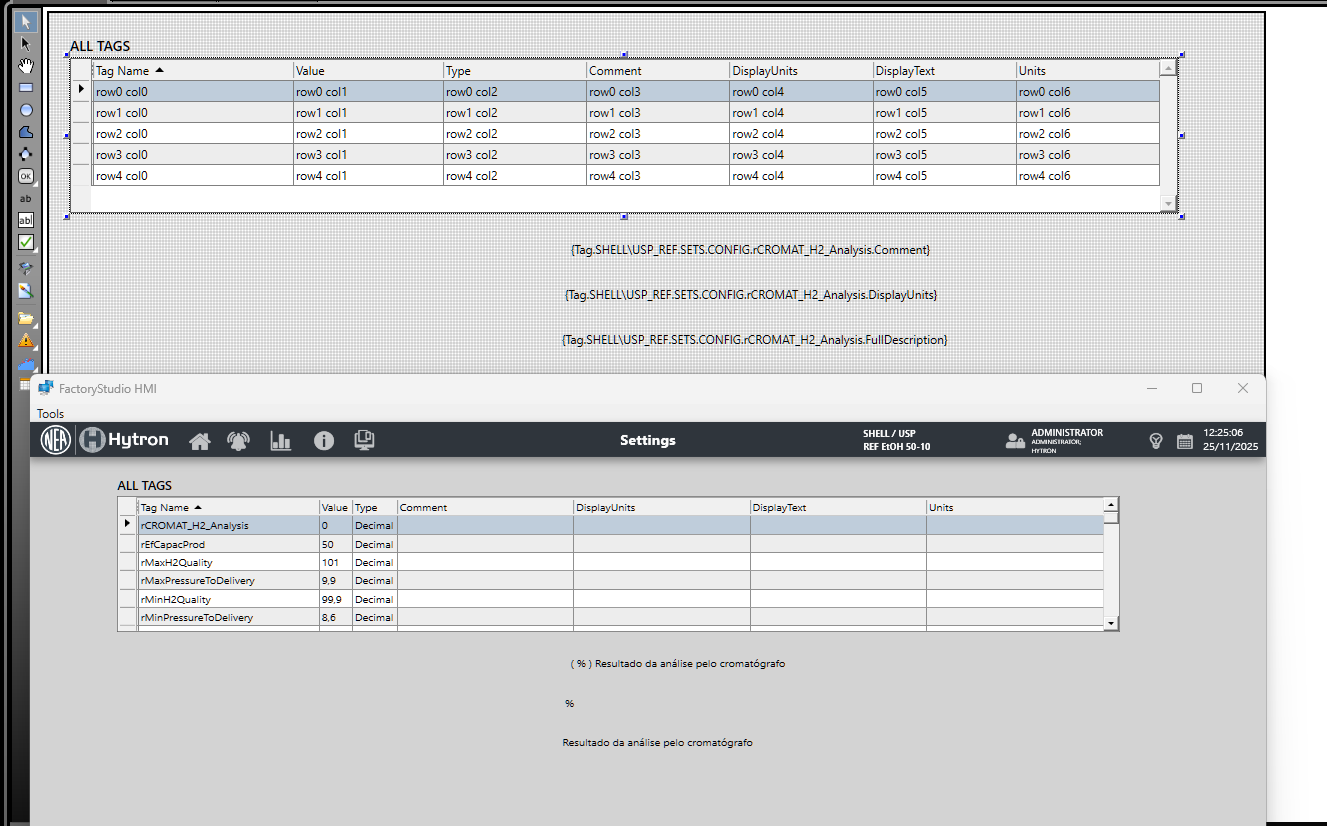
Hello, I need to create a display with some parameters of one of our machines, so I want to use a datagrid with only the value field editable, but I also want to show the Display Text or Units or whatever on the grid to describe the tag to the user, but it shows a empty column.
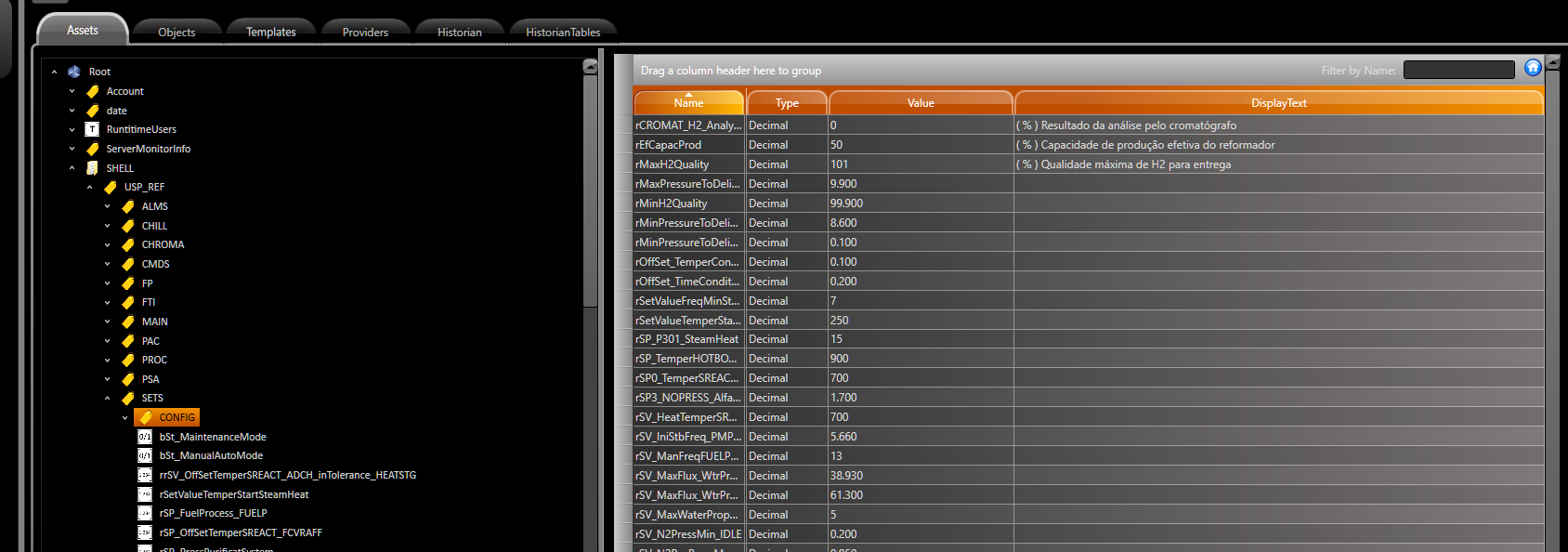
So nobody has any idea why it’s not working?
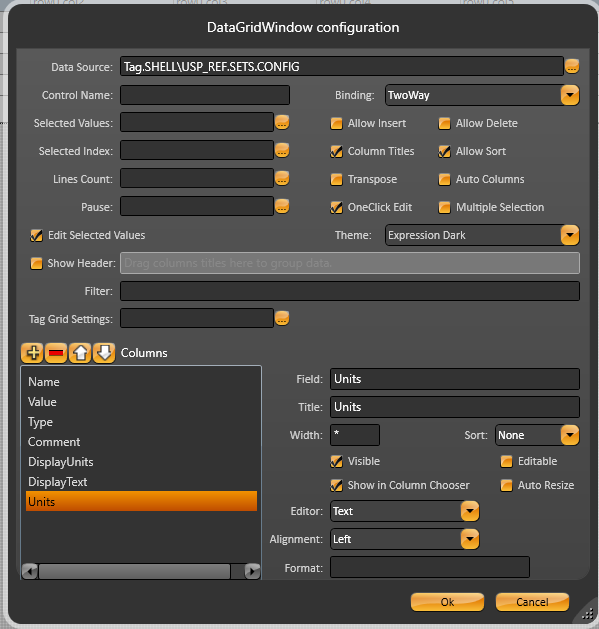
Hi, based on your screenshots, it looks like the DataGrid is currently bound to the parent template tag, but not to the internal template property/tag that contains metadata such as Units and Quality.
When you bind the DataGrid to the parent template tag (as shown in your first image), it only exposes the direct child properties, typically only their Value. That is why fields such as Units, DisplayText, Quality, etc. appear empty.
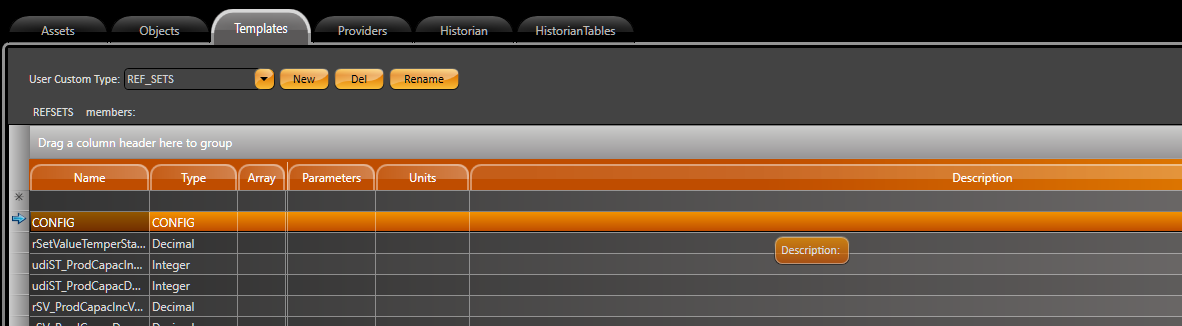
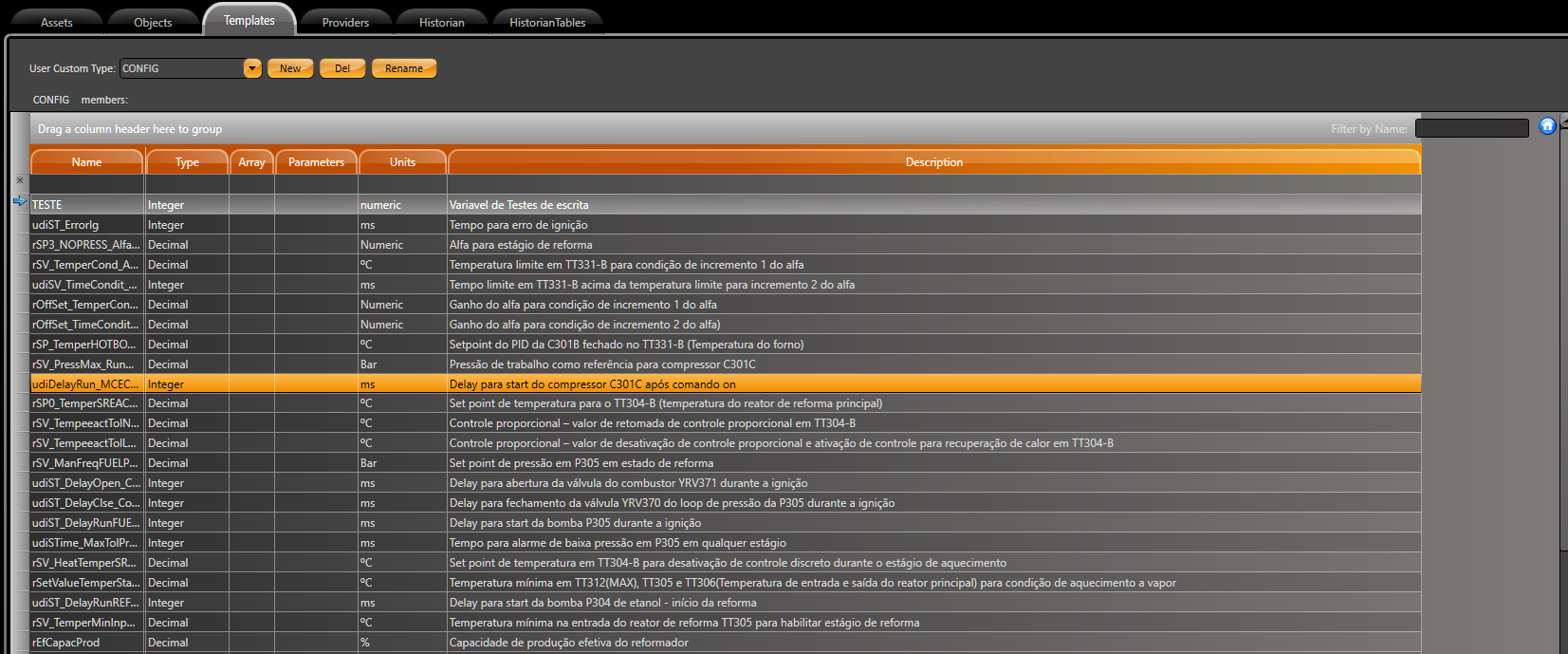
To display these additional properties, you must bind the grid to the correct internal template property/tag (for example, rEfCapacProd itself, as shown in your last image), because only at that level the full metadata (Value, Units, Quality, DisplayText, etc.) is available.
After that, you can filter which properties should appear in the grid using the DataGrid filter. For example:
Name = ‘Units’ OR Name = ‘Quality’

This will display only the Units and Quality properties in the DataGrid.
Please let me know if you have any questions.
1 Like